
Executive summary
Excel is often blamed when reports become complicated, inconsistent or time-consuming. But the real problem may be the process behind the spreadsheet. Discover how better data capture, governance, documentation and automation can turn recurring reporting headaches into a reliable business system.
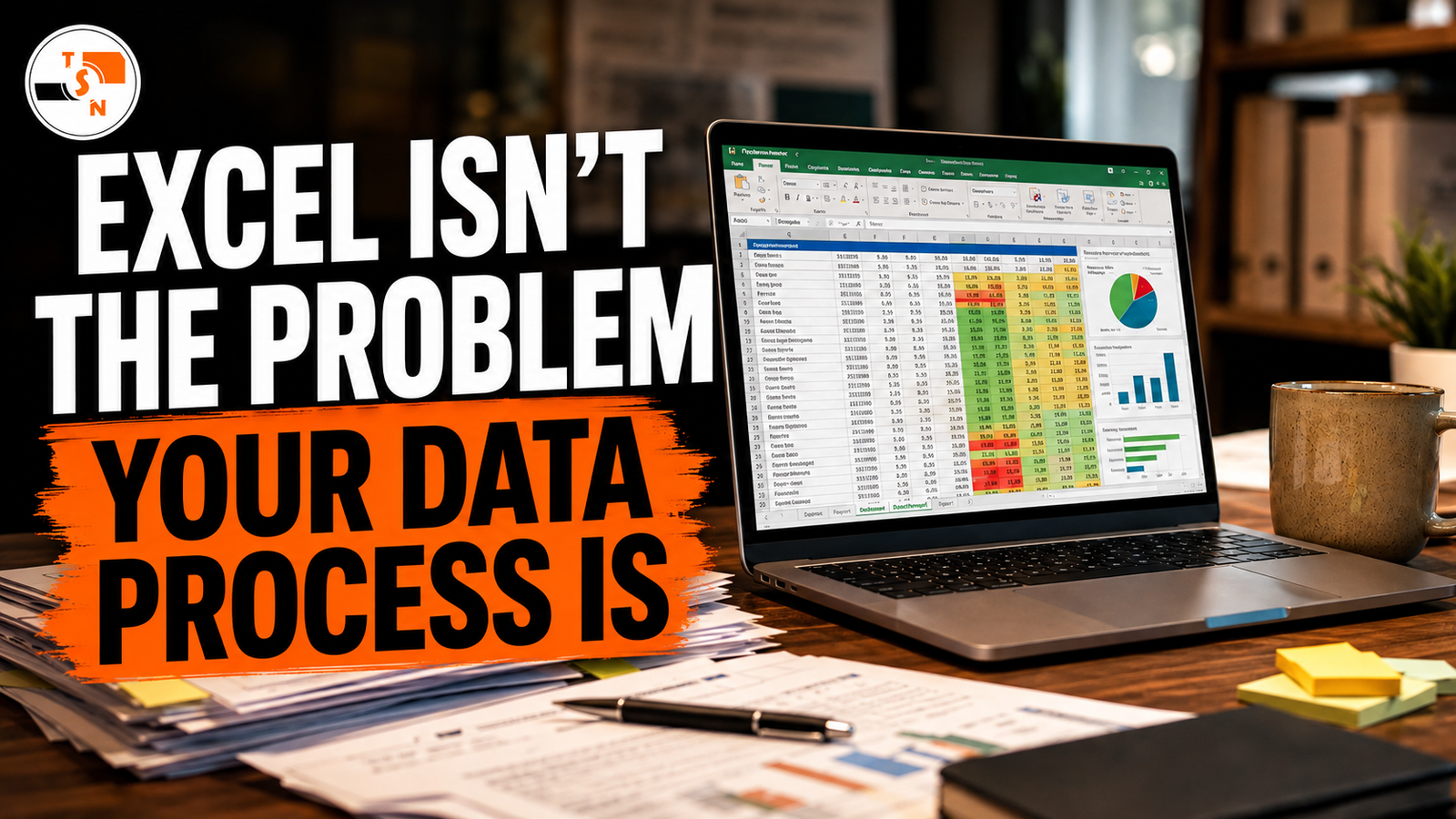
Excel gets blamed for a lot. When a report takes too long to prepare, someone says, “We need to get away from Excel.” When two departments produce different totals, the spreadsheet becomes the suspect. When a workbook grows to twenty tabs, dozens of formulas and several versions named Final, Final V2 and Final FINAL, the conclusion is often that the organisation has outgrown Excel. Sometimes that is true. But very often, Excel is not the real problem. The deeper problem is the process surrounding the spreadsheet. A poorly designed data process will eventually create problems whether an organisation uses Excel, Power BI, a customer relationship management system, an expensive enterprise platform or the latest cloud application. Technology can strengthen a good process, but it can also make a bad process run faster.
Excel Is Often Where the Problem Becomes Visible
Excel remains one of the most useful business tools because it is flexible. A team can start with a simple list and gradually add formulas, calculations, charts, pivot tables and reports as its needs grow. That flexibility is useful, but it can also hide weaknesses in the way information is collected and managed. Consider a monthly sales report. One employee receives figures from several branches. Another person sends a customer list. Finance exports revenue data from a separate system. Someone then manually combines everything into one workbook. Duplicates are removed. Names are corrected. Dates are reformatted. Missing information is filled in. Formulas are updated. Pivot tables are refreshed. Charts are checked, and eventually the final report is sent to management. The spreadsheet may work perfectly. The more important question is: why does someone have to repeat all of those steps every month? That is where a spreadsheet problem becomes a process problem.
The Monthly Spreadsheet Ritual
Many organisations have a spreadsheet that one particular employee understands better than anyone else. Every reporting period, that person performs a familiar ritual. They download one file, copy columns from another, delete certain rows, rename categories, fix dates, update formulas, refresh pivot tables and compare totals before producing the final report. As long as that person remembers every step, the organisation believes the system is working. But what happens when that employee is on leave? What happens when someone accidentally changes a formula? What happens when the source system introduces a new category? What happens when a duplicate record is overlooked? What happens when management suddenly needs the report tomorrow instead of next week? The weakness becomes obvious very quickly. The organisation does not really have a dependable reporting process. It has a collection of manual habits that happen to produce a report.
Repeated Data Cleaning Is a Warning Sign
One of the clearest signs of a weak process is when the same cleaning work is repeated every reporting cycle. If your team corrects the same column names, fixes the same date formats, standardises the same categories and removes the same types of errors every month, the problem begins before the spreadsheet. The right question is not simply, “How can we clean this faster?” The better question is, “Why is the data arriving in this condition in the first place?” If the same problem appears repeatedly, it should eventually become a documented rule, an automated transformation or a correction at the point where the data is captured. Repeated manual cleaning is often evidence that an organisation is treating symptoms rather than improving the underlying process.
Version Confusion Is a Governance Problem
Another familiar sign is a folder filled with files carrying names such as Sales Report Final, Sales Report Final V2, Updated Sales Report and FINAL USE THIS. It may seem harmless until someone makes an important decision using the wrong file. This is not really an Excel limitation. It is a governance problem. An organisation needs clear rules about where official information is stored, who is responsible for updating it and which version should be treated as the source of truth. Without those rules, even a technically perfect workbook can become unreliable because people are not working from the same information.
Different Definitions Create Different Answers
Sometimes two reports produce different numbers and both appear to be correct. Imagine that the sales team reports 2,000 customers while finance reports 1,750. The difference may not be caused by a broken formula. The sales team may define a customer as anyone who made an enquiry, while finance may count only people who completed a purchase. Both figures can therefore be technically correct while answering different questions. The spreadsheet cannot decide which definition the organisation wants. That requires agreement. Terms such as customer, active user, sale, completion, engagement, lead or placement must have clear business definitions. If different teams use different definitions, even the most advanced dashboard will produce arguments instead of insight. Good reporting begins with shared meaning.
When One Person Holds the Whole Process Together
A reporting process also becomes risky when only one person truly understands how it works. That person may know hundreds of undocumented rules. They may know that a certain row must always be removed, that two categories actually mean the same thing, that one date field should never be used, or that a certain partner changed its name two years ago. These small decisions may seem unimportant, but together they represent valuable organisational knowledge. That knowledge should not exist only in someone’s memory. A dependable data process turns repeated knowledge into documented rules, standard operating procedures, transformations and reusable systems. If a report can only be produced correctly when one specific person is available, the organisation has not yet built a reliable reporting process.
Reporting Should Not Take Longer Than Understanding the Report
A management team should spend more time discussing performance than preparing the numbers. If employees spend several days collecting, cleaning and reconciling information before a thirty-minute management meeting, the reporting process deserves attention. The purpose of reporting is not to demonstrate how hard the team worked to prepare the numbers. The purpose is to help decision-makers understand what is happening, why it matters and what should happen next. As a reporting process matures, less time should be spent rebuilding the report and more time should be spent interpreting it. That is where the real value of data begins.
A Better Spreadsheet Will Not Fix a Broken Process
When reporting becomes difficult, the instinct is often to build a more sophisticated workbook. More formulas are added. Another tab appears. Lookup tables grow. Macros are introduced. Cells are locked. Colour coding becomes increasingly elaborate. These changes may help temporarily, but complexity can also make the workbook even more dependent on the person who created it. The same principle applies when organisations decide to replace Excel altogether. Moving the process into Power BI will not automatically fix inconsistent definitions. Moving the information into a database will not automatically eliminate poor data capture. Buying a new CRM will not automatically remove duplicates. Implementing an expensive enterprise platform will not automatically make employees follow good processes. The technology matters, but the process comes first.
What a Healthy Data Process Looks Like
A strong data process makes the journey from raw information to business decision clear and repeatable. It begins with consistent data capture. The organisation should know what information needs to be collected, where it comes from and how it should be formatted. Mandatory fields should be clear, categories should be standardised and validation should happen as early as possible. The organisation should then establish trusted sources. This does not mean that every piece of information must live in one system. It means that everyone understands where each important figure originates and which source is authoritative. Cleaning rules should also be documented. If records must be excluded, corrected, grouped or transformed, those rules should not depend on someone remembering what they did last month. The same inputs should produce the same results regardless of who runs the process. Once the process is understood and stable, repetitive work can often be automated. Excel Power Query, databases, scripts, APIs and business intelligence platforms can reduce manual effort significantly. However, automation should follow understanding. Automating a process that nobody fully understands can simply produce incorrect numbers faster. A healthy process should also separate data preparation from final reporting where possible. The place where information is cleaned and structured does not always need to be the same place where management sees the final report. A structured dataset can feed an Excel summary, a Power BI dashboard or another reporting tool. This separation often makes reporting easier to maintain and reduces the temptation to keep editing raw data directly inside presentation files. Finally, the process itself should be reviewed regularly. Business requirements change. Teams change. Products change. Systems change. Reporting needs evolve. A process that worked two years ago may no longer be suitable today.
So, Should You Stop Using Excel?
Not necessarily. Excel remains an extremely capable business tool, and for many small and growing organisations it may still be exactly the right tool for their current stage. The better question is not, “Should we replace Excel?” The better question is, “Is our data process still fit for purpose?” If the underlying process is clean, documented and repeatable, Excel can work extremely well. If the process is broken, replacing Excel may simply move the same problems somewhere else.
Fix the Process Before You Blame the Tool
At The Spokesdude Network, our approach begins before the dashboard. We look at how information is captured, structured, cleaned, modelled and interpreted. Our work moves through a clear journey from data cleaning to data modelling, visual reporting and finally strategic insight. The objective is not merely to make a spreadsheet look better. The objective is to create a reliable path from raw information to a decision. Ultimately, your organisation does not need another complicated workbook. It needs information it can trust. So the next time someone says, “Excel is the problem,” take another look. Your spreadsheet may simply be showing you where your data process needs attention.
Is Your Team Rebuilding the Same Report Every Month?
If your organisation spends hours cleaning spreadsheets, reconciling different versions or manually rebuilding recurring reports, The Spokesdude Network can help you examine the process behind the numbers. We help organisations clean, structure, model, analyse and report their data so that reporting becomes more reliable, repeatable and useful. Visit thespokesdude.com or contact 081 459 4840 to discuss your data and reporting needs. The Spokesdude Network — Giving your data a voice.