
Executive summary
Build a monthly marketing report with clear KPIs, checked CRM outcomes and practical next steps. Explore our agency reporting guide and Excel workbook.
A monthly marketing report template for agencies should help a client understand what changed, what the figures can support and what to do next. It needs a consistent structure for campaign activity, business outcomes, data checks and an agreed action.
A report can look impressive while leaving the client uncertain. More clicks do not automatically mean more qualified enquiries. A platform conversion count does not necessarily equal the number of unique people in the sales pipeline. The useful work is connecting the numbers to a decision without claiming more than the evidence supports.
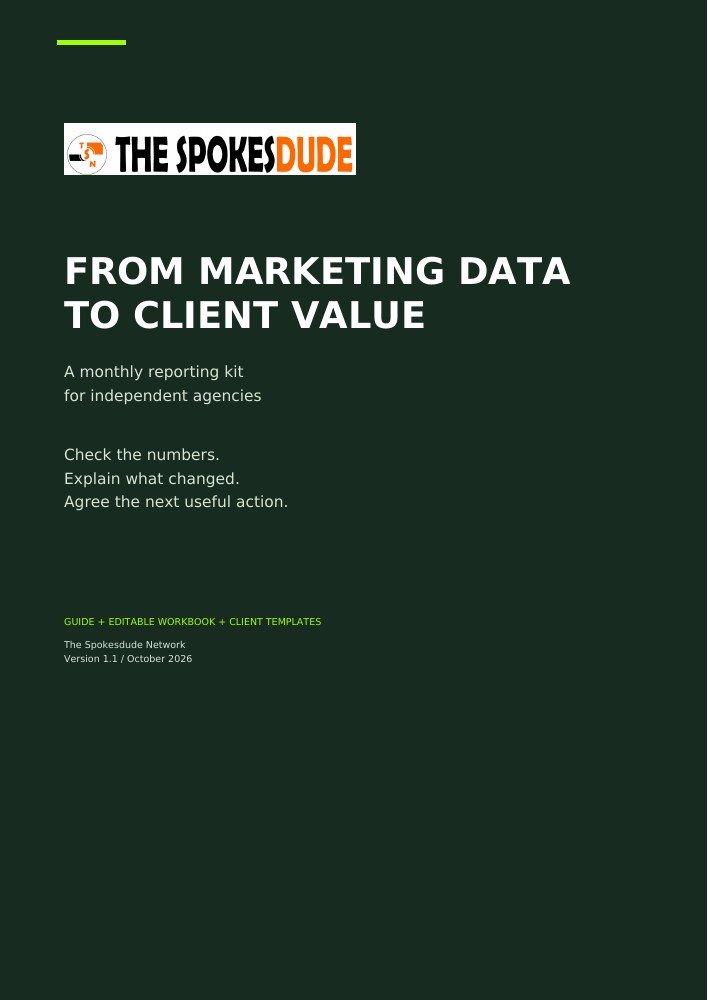
This guide sets out a practical reporting structure and introduces From Marketing Data to Client Value, our agency reporting kit. The paid kit combines a 16-page guide with a five-sheet XLSX workbook, templates and exercises.
What should a monthly marketing report include?
Start with the decision the client needs to make. An agency considering whether to increase advertising spend needs different evidence from a client trying to improve sales follow-up. Agree on that question before choosing charts.
A useful monthly client report covers six things
- The reporting period, business question and agreed definitions.
- Campaign activity, including spend, impressions and clicks.
- Platform-reported conversions, clearly labelled by source.
- Deduplicated CRM outcomes, such as leads, qualified leads and won customers.
- A comparison with the previous period, including missing data and limitations.
- One recommended action with an owner, a review date and a success measure.
Keep the main client summary short. Put detailed source notes and reconciliation checks behind it so the explanation stays readable while the evidence remains available.
A client reporting template you can use every month
Use the following structure as the starting point for your own monthly report. Keep it consistent so clients can compare the explanation from one reporting period to the next.
1. Agree on the reporting question
Write one sentence describing the decision: for example, “Should we maintain the current advertising budget while improving lead qualification?” Record the reporting month, currency, time zone, source systems and who owns each input.
Define important terms together. A “qualified lead” should mean the same thing to the agency and the client. Record the qualification rule and the point at which an opportunity counts as won.
2. Check the inputs before calculating
Check that the source files cover the intended period and use the same currency. Look for missing numbers, duplicate channel-month rows, inconsistent dates and changes to tracking.
A missing value is different from a confirmed zero. If the CRM export is unavailable, report that limitation. Entering zero would imply that no outcomes occurred, which is a claim the missing file cannot support.
For a broader explanation of the preparation work, read why trusted reporting starts with clean data.
3. Compare the measures that matter
Show the current month, the comparison month and the change. Include a short explanation of what each measure represents. Spend, clicks and platform-reported conversions describe different parts of the activity; CRM outcomes provide a separate view of progress through the client's process.
Check both totals and rates. More qualified leads may be useful, but the cost of acquiring them and the proportion of leads that qualify can change the interpretation.
4. Explain the finding and its limits
State what changed, identify plausible explanations and separate those explanations from established facts. A change in spend, targeting, tracking, lead handling or customer demand may affect the figures. A two-month comparison alone does not establish which factor caused the outcome.
Keep uncertainty visible. If one month's leads have had less time to progress, the report should say so before comparing sales outcomes.
5. Agree on the next action
End with a specific task, an owner and a review date. “Monitor performance” leaves too much open. A more useful action is to review the qualification reasons for the next lead cohort, assign the sales manager and agency analyst to the review, and agree when they will compare the results.
Choose a success measure before running the next test. That makes the following report a review of an agreed decision rather than a fresh debate about which number matters.
Choose marketing metrics that answer the question
Use a small set of measures that fit the client's decision. Click-through rate describes the share of impressions that produced a click. Cost per click relates spend to clicks. Cost per qualified lead relates the agreed spend scope to qualified CRM leads.
Google Ads defines click-through rate as clicks divided by impressions. It is useful for understanding ad interaction, but it does not tell you how many enquiries became customers.
For client reporting, write down each numerator and denominator. If the spend includes only paid media while the CRM leads include all channels, label the result as a client-wide reporting measure. Do not present it as a channel's acquisition cost unless the attribution and cost scope support that claim.
Avoid calling revenue divided by advertising spend “profit” or treating a client-wide revenue ratio as proven advertising return. Revenue, costs, attribution and timing need their own definitions.
Keep platform results and CRM outcomes separate
Advertising platforms and CRMs answer different questions. A platform may assign conversion credit under its tracking and attribution settings. The CRM tracks people or organisations through the client's sales process. Adding every platform's conversion total can count overlapping activity more than once.
Use a separate, client-wide CRM dataset that has already been deduplicated. The workbook flags duplicate input rows; it does not automatically identify or merge duplicate people in raw CRM records.
For outcome-rate comparisons, define lead-creation cohorts. For example, compare leads created in August with leads created in September, giving every lead the same agreed follow-up window. Dividing sales closed in September by new leads created in September can mix different groups when the sales actually came from earlier leads.
Worked example: qualified leads and reporting cost
The kit uses fictional teaching data in USD. In its example, qualified CRM leads rise from 32 in August to 44 in September. That is an increase of 12, or 37.5%. Advertising spend rises from USD 7,000 to USD 7,800, an increase of about 11.4%.
Using that agreed spend scope, spend divided by qualified leads changes from USD 218.75 to about USD 177.27 per qualified lead. That is a decrease of about 19.0%.
A careful client explanation would say that qualified leads increased faster than the measured spend, improving this reporting ratio. It would also note that the figures are client-wide and do not establish which campaign caused the improvement. Source completeness, qualification rules and equal follow-up windows still need checking.
These are practice figures, not customer results or a promise of performance. You can inspect the guide cover and worked-example preview on the product page before buying.
What is inside From Marketing Data to Client Value?
The reporting kit is designed to help independent marketing agencies put this process into practice. Version 1.1 includes:
- A 16-page PDF guide with setup steps, worked examples and client-reporting guidance.
- A five-sheet XLSX workbook covering Start Here, Report Builder, Channel Data, CRM Outcomes and Metric Guide.
- Client-summary templates, reporting checklists and exercises with expected answers.
- Evidence-led AI prompts for drafting and checking explanations.
- A START_HERE.txt file that explains how to begin.
The workbook compares two selected months, checks missing inputs and duplicate rows, and supports up to 500 channel-month rows and 120 CRM months per client workbook. It is built around entered aggregates, not live platform connections.
You write the client summary and action plan yourself. There are no live imports, macros, automatic CRM deduplication or automatic currency conversions. The fictional example uses USD; changing the workbook's currency label does not convert the amounts.
Who is the agency reporting kit for?
The kit is intended for independent agencies and marketers preparing recurring paid-media reports alongside client CRM outcomes. Basic spreadsheet familiarity and access to suitable source figures are needed.
Use a PDF reader and an XLSX-compatible spreadsheet application. Check the supplied sample totals after opening or importing the workbook. No spreadsheet software or AI subscription is included.
You may adapt the materials for your agency and use completed reports with clients. The source templates may not be resold, sublicensed or publicly redistributed. If your team needs data preparation or a tailored reporting process, speak to The Spokesdude Network about the work involved.
Questions about the marketing reporting kit
Is this a free monthly marketing report template?
The reporting structure explained in this article is available to read and use. The downloadable guide-and-workbook kit is a paid product priced at R299 once off. Review the product page for the current price and included materials.
Is the kit a webinar or a subscription?
The current product is a downloadable PDF guide and XLSX workbook bundle. It is not a webinar, and there is no recurring subscription for the kit.
Can international customers buy it?
The store offers ZAR, USD, EUR and GBP display options. Foreign-currency figures are estimates. Payfast confirms the final currency and payment amount at checkout, and foreign-currency payments require a credit card.
Can buyers download the files again?
After payment confirmation, the buyer can use the same website account to find the kit under My downloads. There is no automatic download expiry or download-count limit. The purchase grants access to the purchased files; it does not promise every future product or update.
Build your next client report with a checked starting point
A repeatable monthly reporting process starts with agreed definitions, checked inputs and an explanation that leads to a decision. The template gives the conversation a structure; the agency still brings judgement, client context and responsibility for the recommendation.
Explore From Marketing Data to Client Value and buy the reporting kit for R299 once off. View the sample pages, check the software and licence details, then use the workbook to prepare your next client report.